Profile Display Name and Picture Guidelines
SF
Scolingo Founder
April 28, 2026
Clear rules and best practices for choosing a professional, appropriate display name (nickname) and profile picture on Scolingo.
Display name / Nickname
Your display name is a key part of your profile and how students recognize you on Scolingo. We recommend not using your full legal name, but a professional and approachable version of it to better connect with students. Please follow the guidelines below when choosing or updating your display name.
✅ Recommended (Display Name Guidelines)
• Use your real first name or a natural variation (e.g., Teacher Mike).
• Keep it professional, clear, and easy to remember.
• Use proper capitalization (no random ALL CAPS).
• Don’t use more than 2 words.
• Make sure it reflects you as a teacher, not a brand slogan.
• Keep it professional, clear, and easy to remember.
• Use proper capitalization (no random ALL CAPS).
• Don’t use more than 2 words.
• Make sure it reflects you as a teacher, not a brand slogan.
❌ Not Allowed
• Superlatives or self-promotion (e.g., Best Teacher).
• Keyword stuffing (e.g., Dave French Grammar IELTS TOEFL).
• Random numbers or symbols (e.g., Anna99, Mark_123).
• All caps or excessive punctuation (e.g., TEACHER ALEX!!!).
• Fake names, company names, or impersonation. (e.g., AirJordan, cuteprincess, iPhone, CaptainAmerica, etc.)
• Keyword stuffing (e.g., Dave French Grammar IELTS TOEFL).
• Random numbers or symbols (e.g., Anna99, Mark_123).
• All caps or excessive punctuation (e.g., TEACHER ALEX!!!).
• Fake names, company names, or impersonation. (e.g., AirJordan, cuteprincess, iPhone, CaptainAmerica, etc.)
Profile Picture
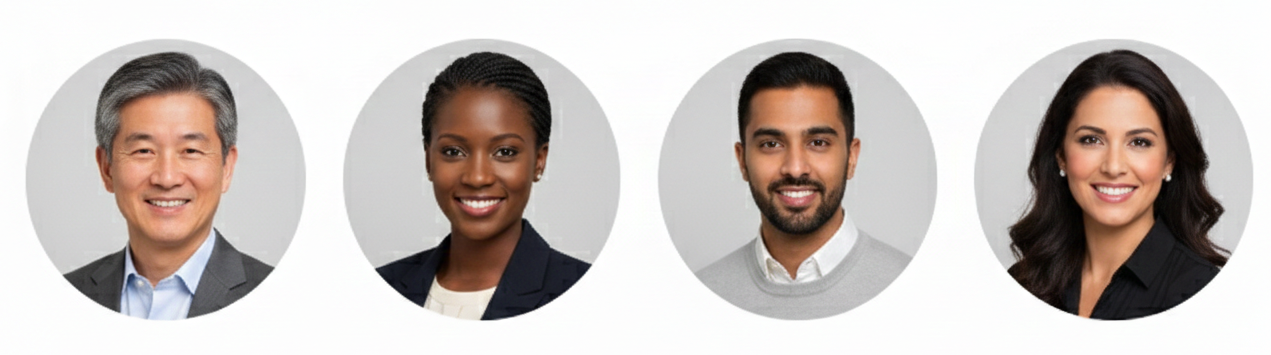
Your profile picture is often the first impression students have of you, so it should clearly show your face and reflect a professional, approachable image.
✅ Recommended
• Professional, clean appearance.
• Clear, front-facing photo with your full face visible.
• No hats, sunglasses, or anything covering or shading your face.
• Neutral or simple background.
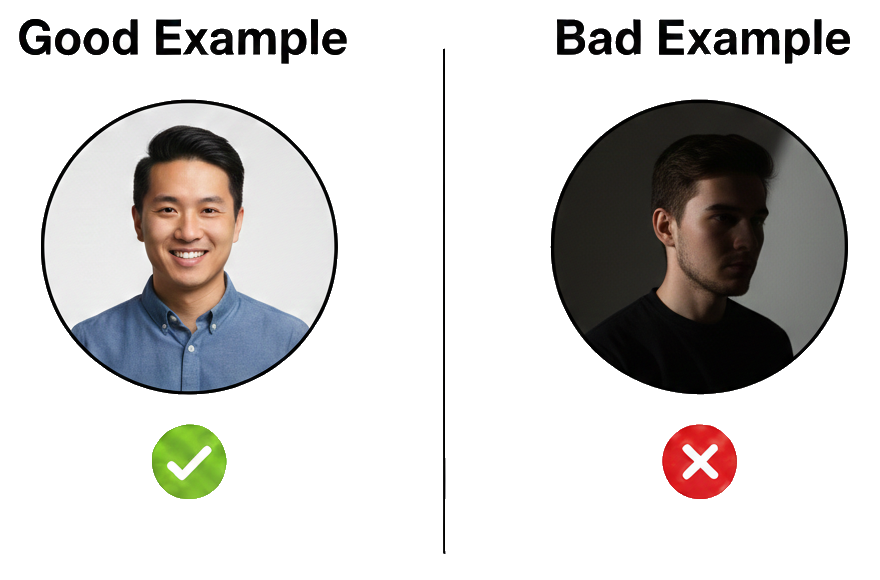
• Good, natural lighting (no harsh shadows).
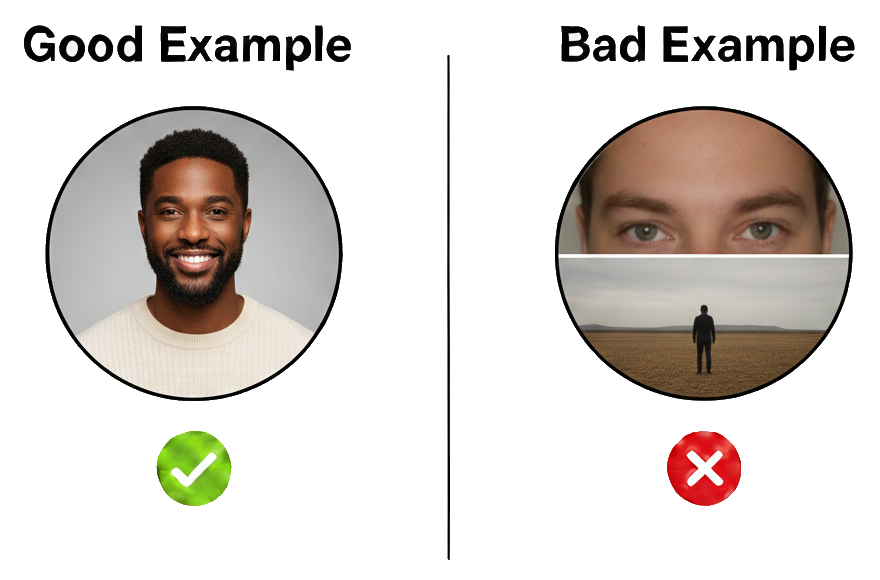
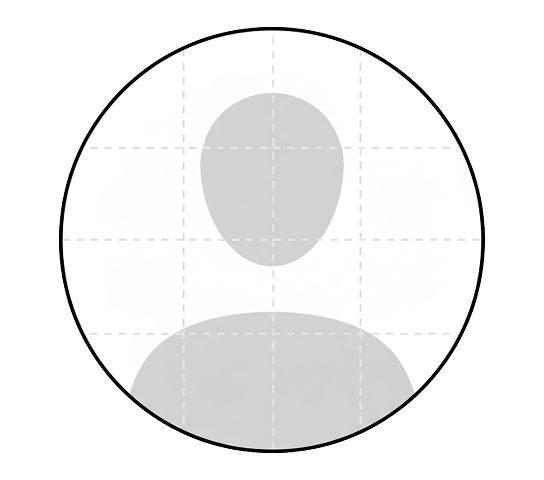
• Framed from chest or shoulders up (not too close, not too far).
• High-quality image (sharp, not blurry).
• Friendly, approachable expression.
• Clear, front-facing photo with your full face visible.
• No hats, sunglasses, or anything covering or shading your face.
• Neutral or simple background.
• Good, natural lighting (no harsh shadows).
• Framed from chest or shoulders up (not too close, not too far).
• High-quality image (sharp, not blurry).
• Friendly, approachable expression.
❌ Not Allowed
• Anything other than your own photo.
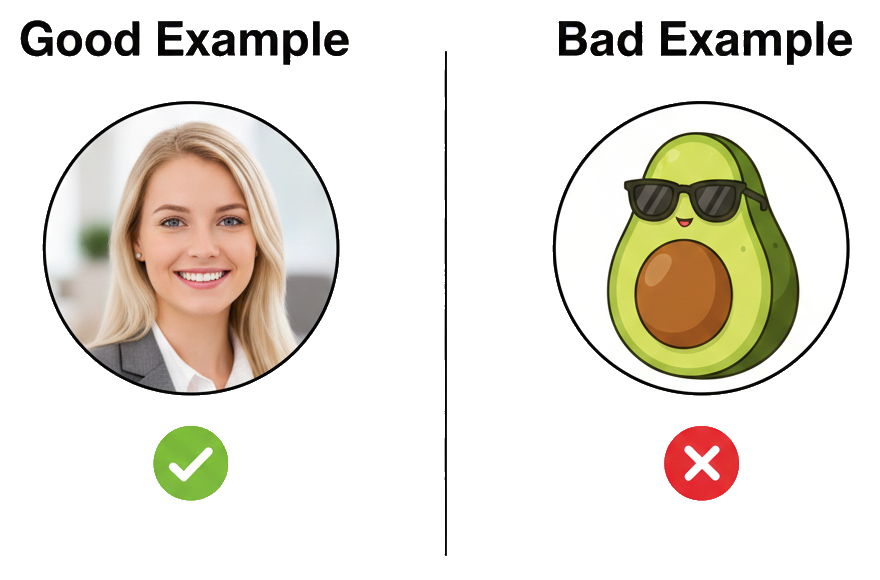
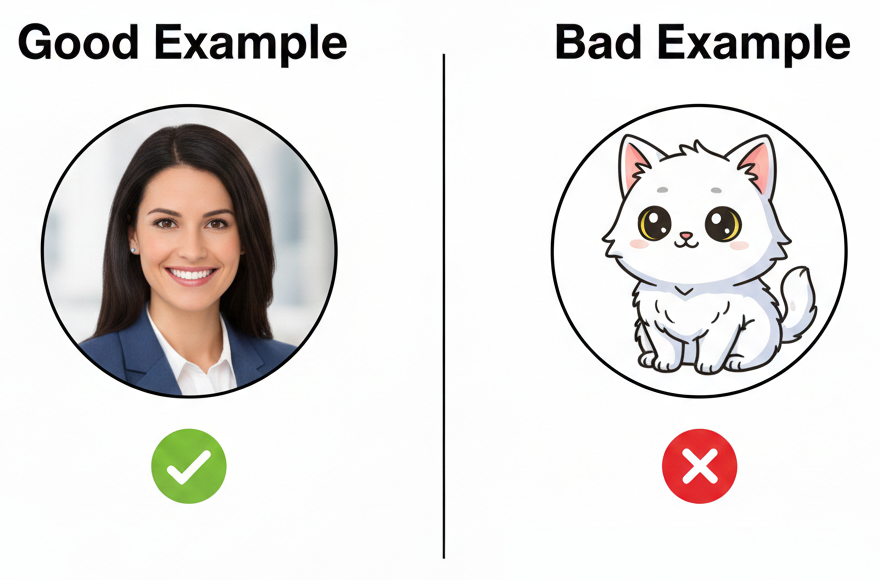
• Animals, objects, artwork, logos, books, or illustrations.
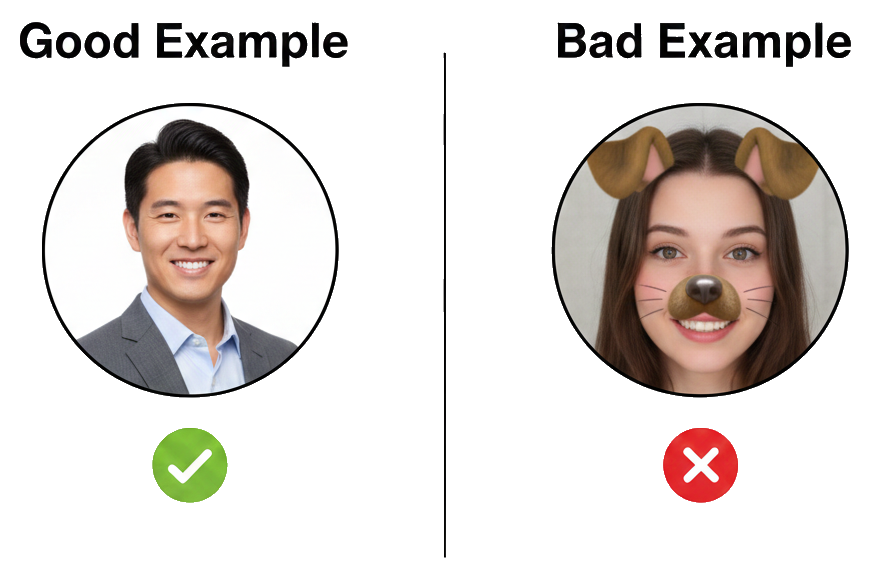
• Face filters or heavy editing.
• Selfies.
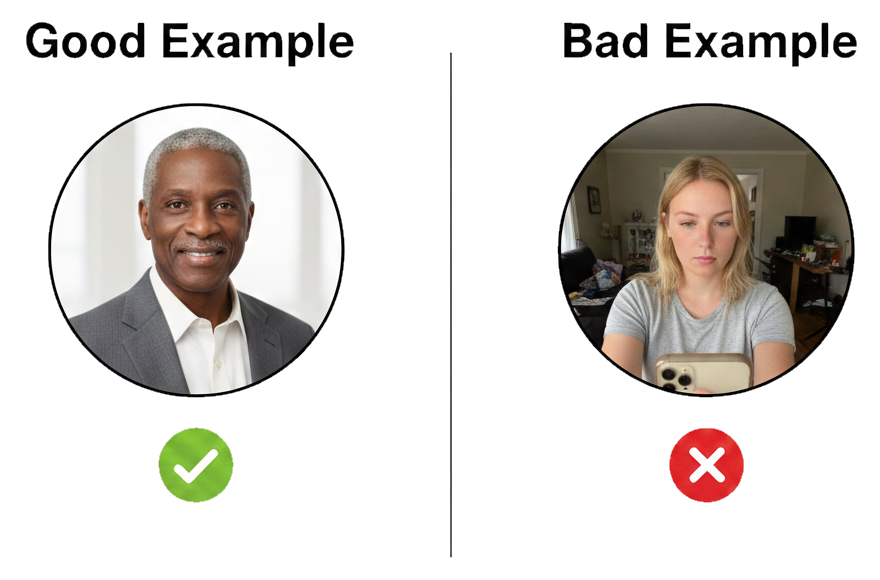
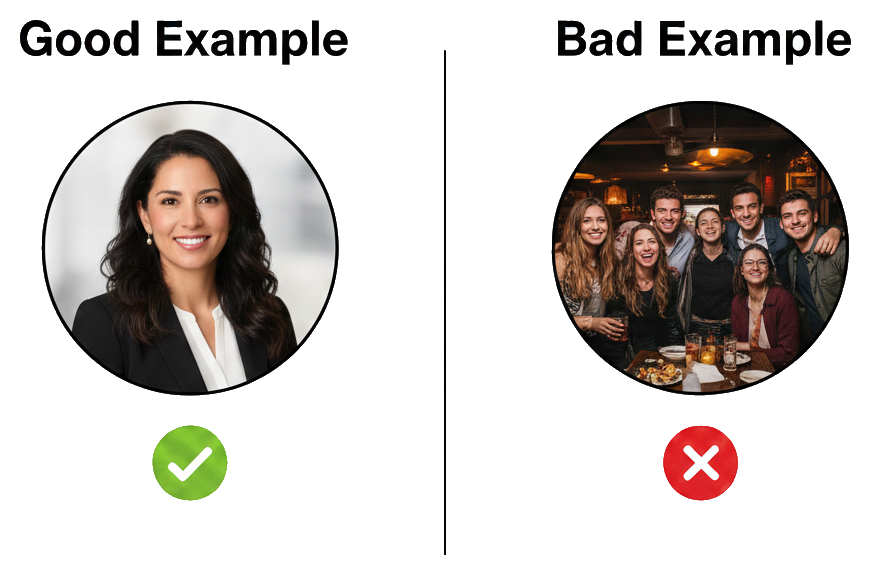
• Group photos or any other people in the image.
• Face not clearly visible or strong shadows on the face.
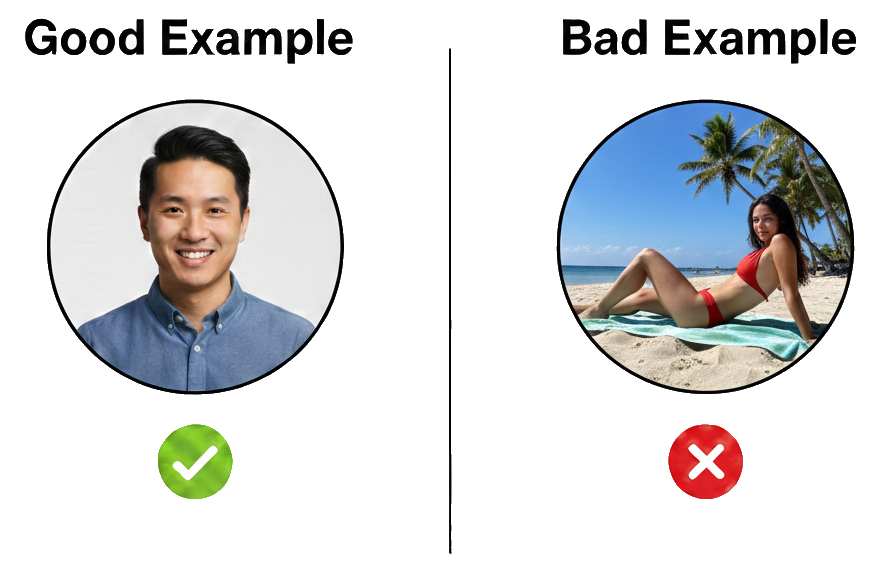
• Overly casual photos (e.g., lying down, beach, party setting).
• Poor lighting or low-resolution images.
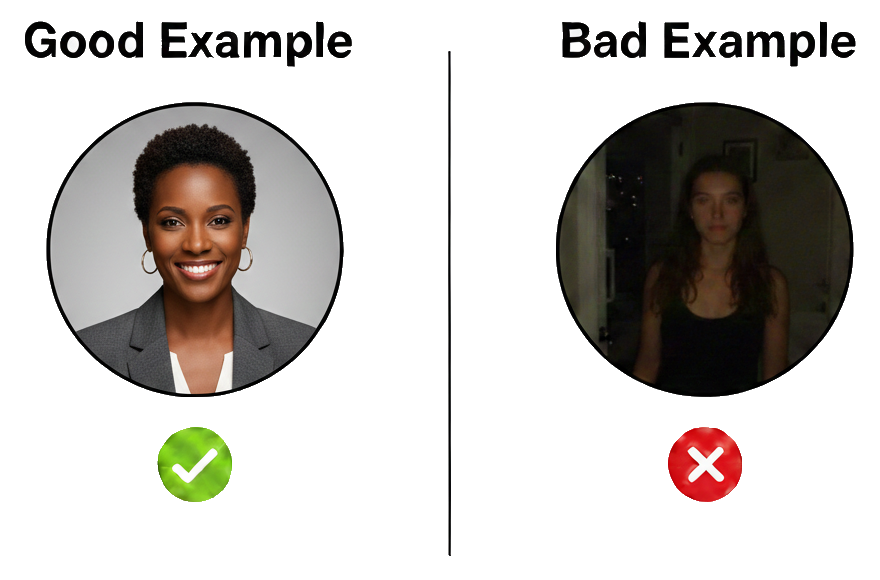
• Cropped too close (only forehead/face) or too far away (full body shot).
✅ Once uploaded, your profile picture will be circular.
Format: JPG or PNG
Maximum size: 2MB; Ideal size: at least 200 x 200 pixels
Maximum size: 2MB; Ideal size: at least 200 x 200 pixels
It will take up to 5 business days to review if you update the photo.
If you plan to take time off or are temporarily unavailable, do not remove or replace your profile picture with an image that does not meet the profile guidelines.